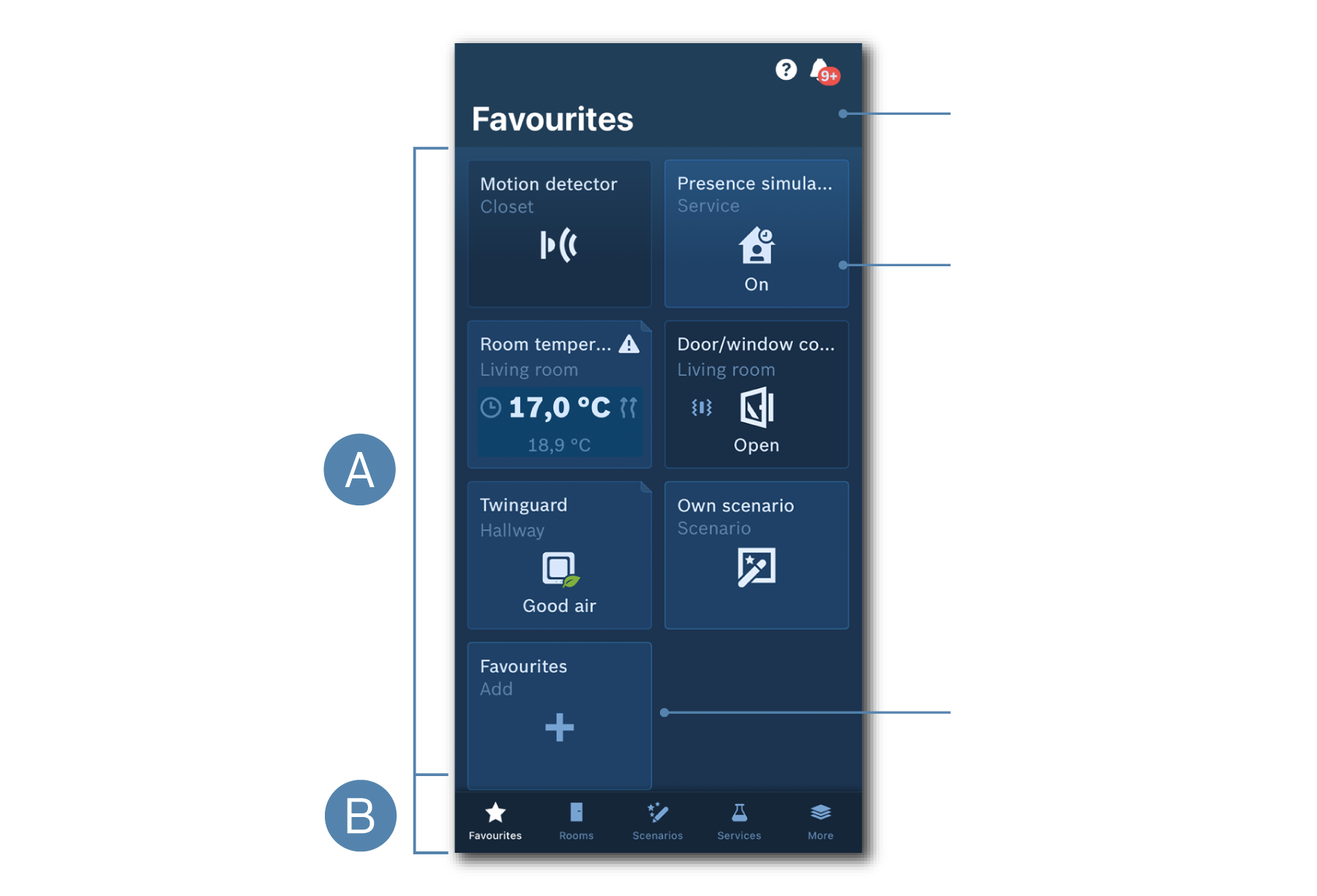
Interesting facts about the favorites page
This page consists of customisable small tiles.
A - Tile area
1. Message Center: Shows alarms, warnings, information and software updates.
2. Tiles: There are different types of tiles (service, device, room climate control and scenario). Depending on the type there can be up to 3 information areas on the tile.
3. “+” tile: Allows you to add a new tile to the “Favourites” page.
B - Navigation area to switch between the main areas in the app.
Did you know?
- You can rearrange and delete tiles. To do this, press and hold a tile until it can be moved or deleted. The behaviour varies slightly depending on the operating system. You may need to confirm the change.
- You can add a new tile during the installation process of a new device (by activating the checkbox) or by tapping on the “+” tile at the bottom of the “Favourites” page.
Similar topics: